What you need
- A still image to start from
- A still image to end on (the clip travels from the start frame to this one)
MOTION TEMPLATE
From your clean product cutout to the scene you approved, in one continuous move.
Use this templateTypically about 144 credits. The exact quote appears in the studio before anything is generated.
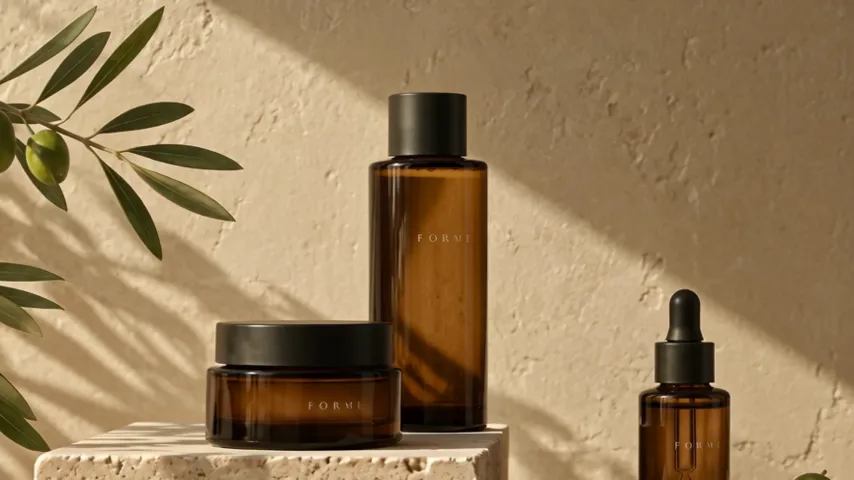
One short clip you can download or reuse as a reference.
Illustrative AI concept imagery. Results depend on your reference, the model, and your brief; nothing is generated or charged until you press Generate in the studio.